Qualifying
In this stage, you will train an agent using simulation environments with a 7dof KUKA IIWA robot. A baseline agent will be provided to help you get started. Along with an environment to play the whole game, we will provide three different environments to train your agent. The environments are designed to simulate different scenarios that a robot might encounter during the game. The environments are:
Hit: The robot needs to hit the puck to the opponent’s goal.
Defend: The robot needs to stop the puck from getting scored.
Prepare: The robot needs to control the puck to a good hit position.
The goal is to develop a robust agent that can play air hockey while satisfying the constraints. In the simulation, the collision between the robot and the table are disabled. Thus your solution must keep the mallet (Robot’s End Effector) at an appropriate height.
Environment Specifications
Here we list the some useful information about the environment.
Important
In the constraint, the joint position and velocity limits for constraint computation
is 95% of the actual limits. For example, the upper bound of the position limit for
joint 1 is 2.967. In the Evaluation and Constraints, we check if the joint
position exceeds 2.967 * 0.95 = 2.818707.
Robot Specifications |
|
Robot Position Upper Limit (rad) |
[ 2.967, 2.09 , 2.967, 2.094, 2.967, 2.094, 3.054] |
Robot Position Lower Limit (rad) |
[-2.967, -2.094, -2.967, -2.094, -2.967, -2.094, -3.054] |
Robot Velocity Limit (rad/s) |
+/- [ 1.483, 1.483, 1.745, 1.308, 2.268, 2.356, 2.356] |
Environment Specifications |
|
Environments |
|
Initial Robot Position (fixed) |
[ 0, -0.1960, 0, -1.8436, 0, 0.9704 0] |
Initial Robot Velocity |
0 |
Tournament: tournament
This environment is a complete game of air hockey. The puck is initialized randomly at one side of the table.
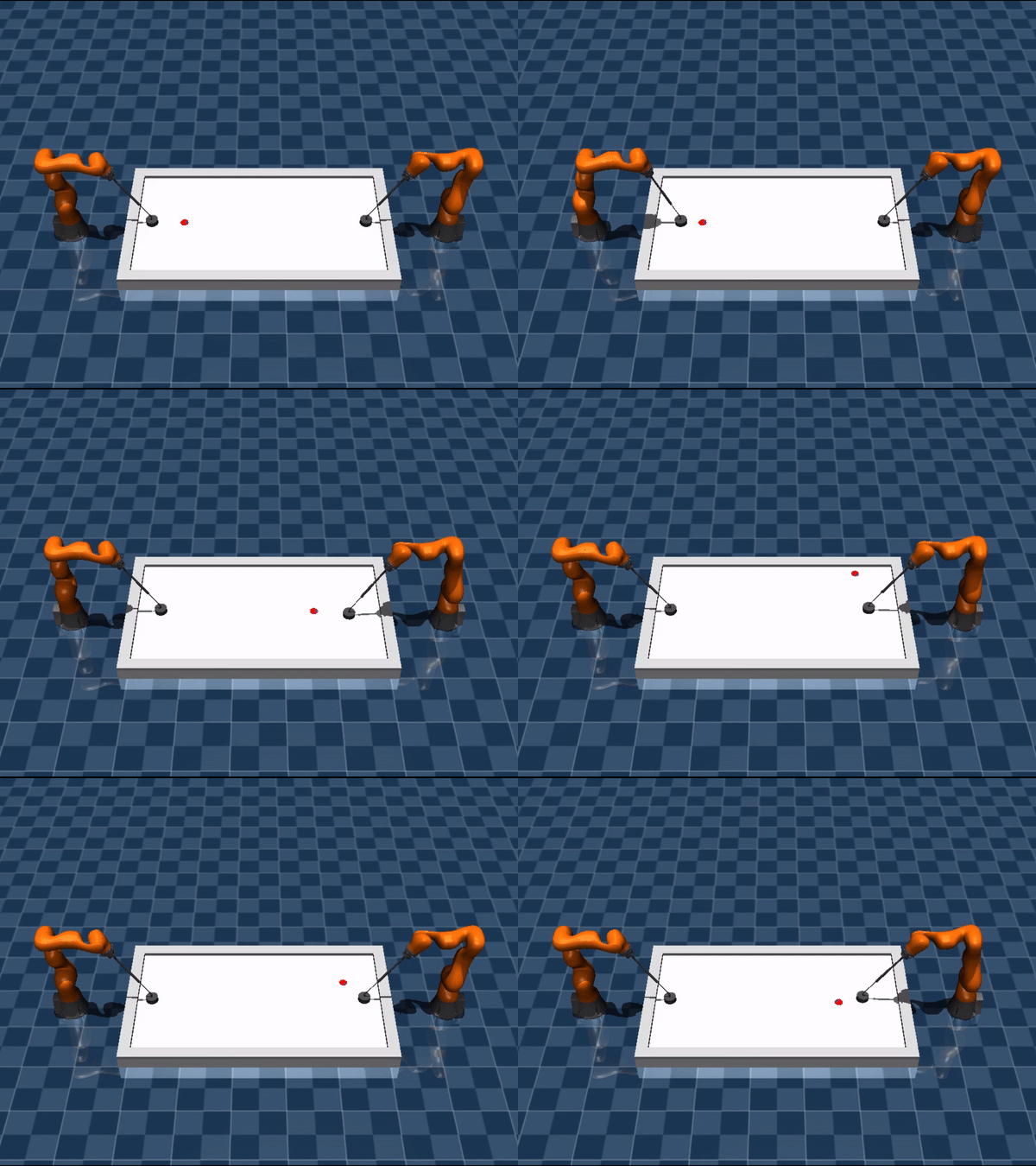
Initialization Range:
\(x\) |
[0.81, 1.31] |
\(y\) |
[-0.39, 0.39] |
linear speed (m/s) |
0 |
angular speed (rad/s) |
0 |
Termination Criterion: - The puck is stuck on one side for 15 seconds. - The puck is scored. - The puck is stuck in the middle.
Hit: hit
In this task, the opponent moves in a predictable pattern. The puck is initialized randomly with a small velocity. The task is to hit the puck to the opponent’s goal.
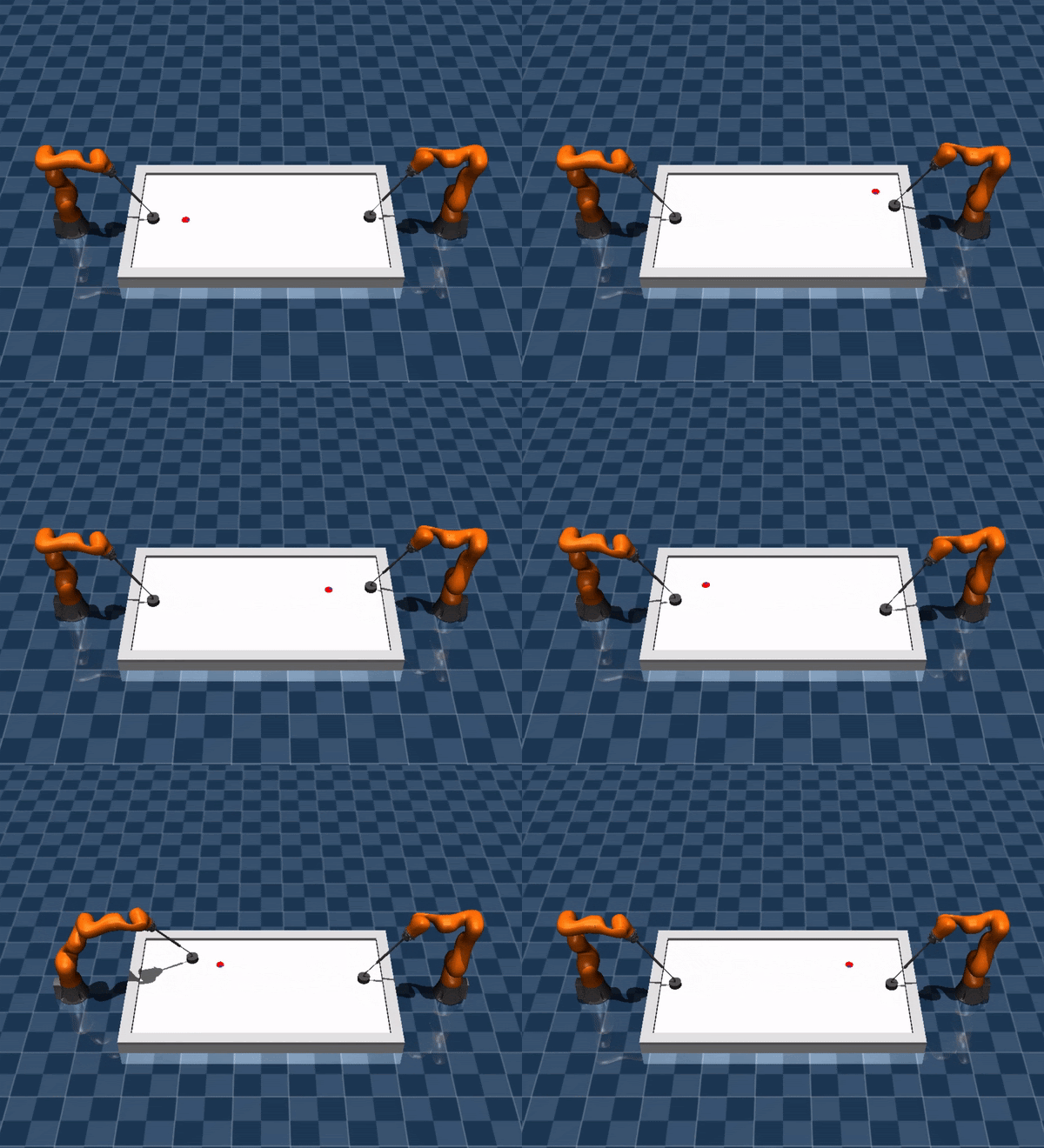
Initialization Range:
\(x\) |
[0.81, 1.31] |
\(y\) |
[-0.39, 0.39] |
linear speed (m/s) |
[0, 0.5] |
angular speed (rad/s) |
[-2, 2] |
Termination Criterion: The puck is bounced back or scored.
Success Criterion: The puck is in opponent’s goal when the episode terminates.
Hit Single: hit_single
This task is similar to the hit task, but there is no opponent.
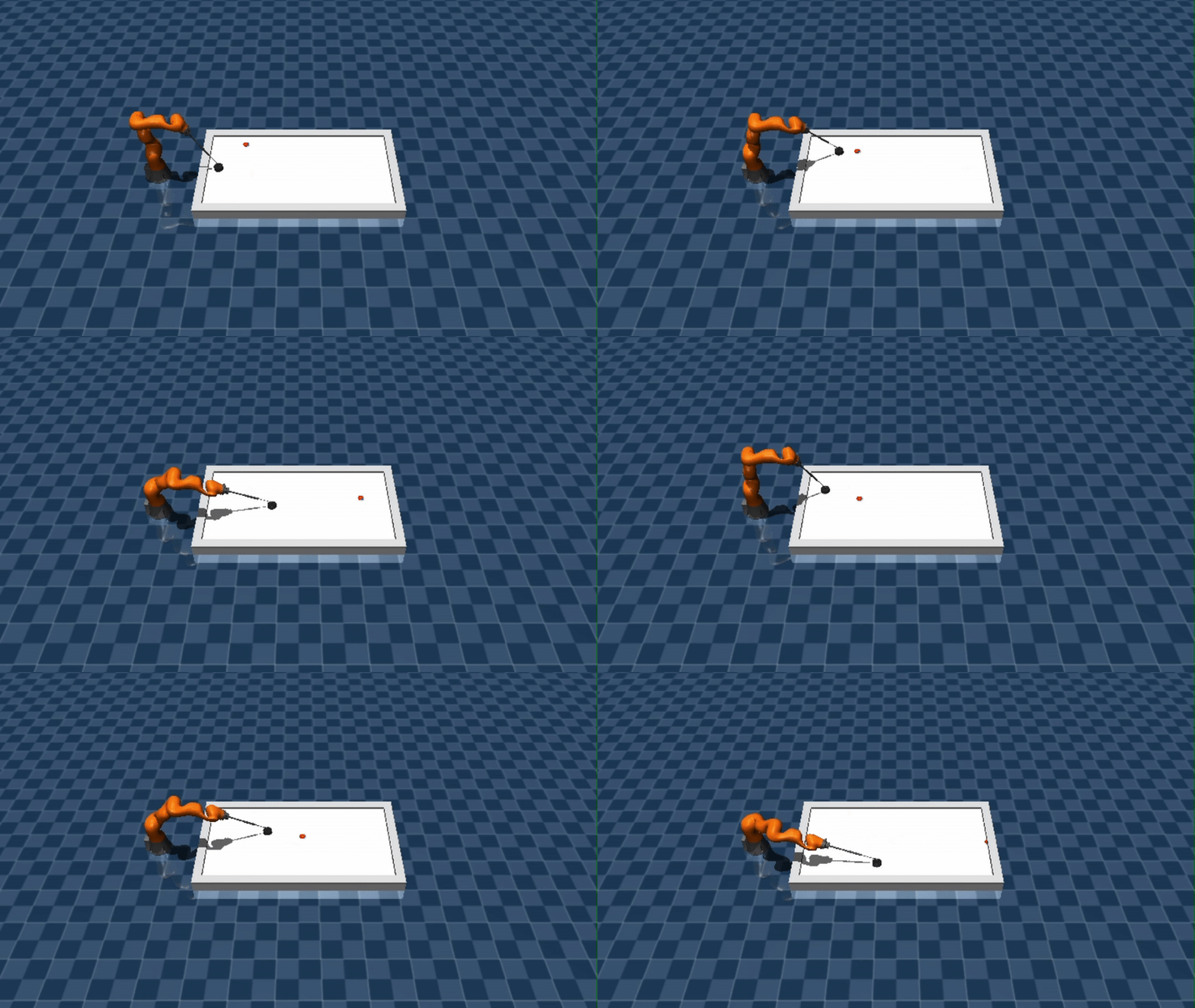
Initialization Range:
\(x\) |
[0.81, 1.31] |
\(y\) |
[-0.39, 0.39] |
linear speed (m/s) |
[0, 0.5] |
angular speed (rad/s) |
[-2, 2] |
Termination Criterion: The puck is bounced back or scored.
Success Criterion: The puck is in opponent’s goal when the episode terminates.
Defend: defend
The puck is randomly initialized on the right side of the table with a random velocity heading left. The objective is to stop the puck on the right side of the table and prevent it from getting scored.
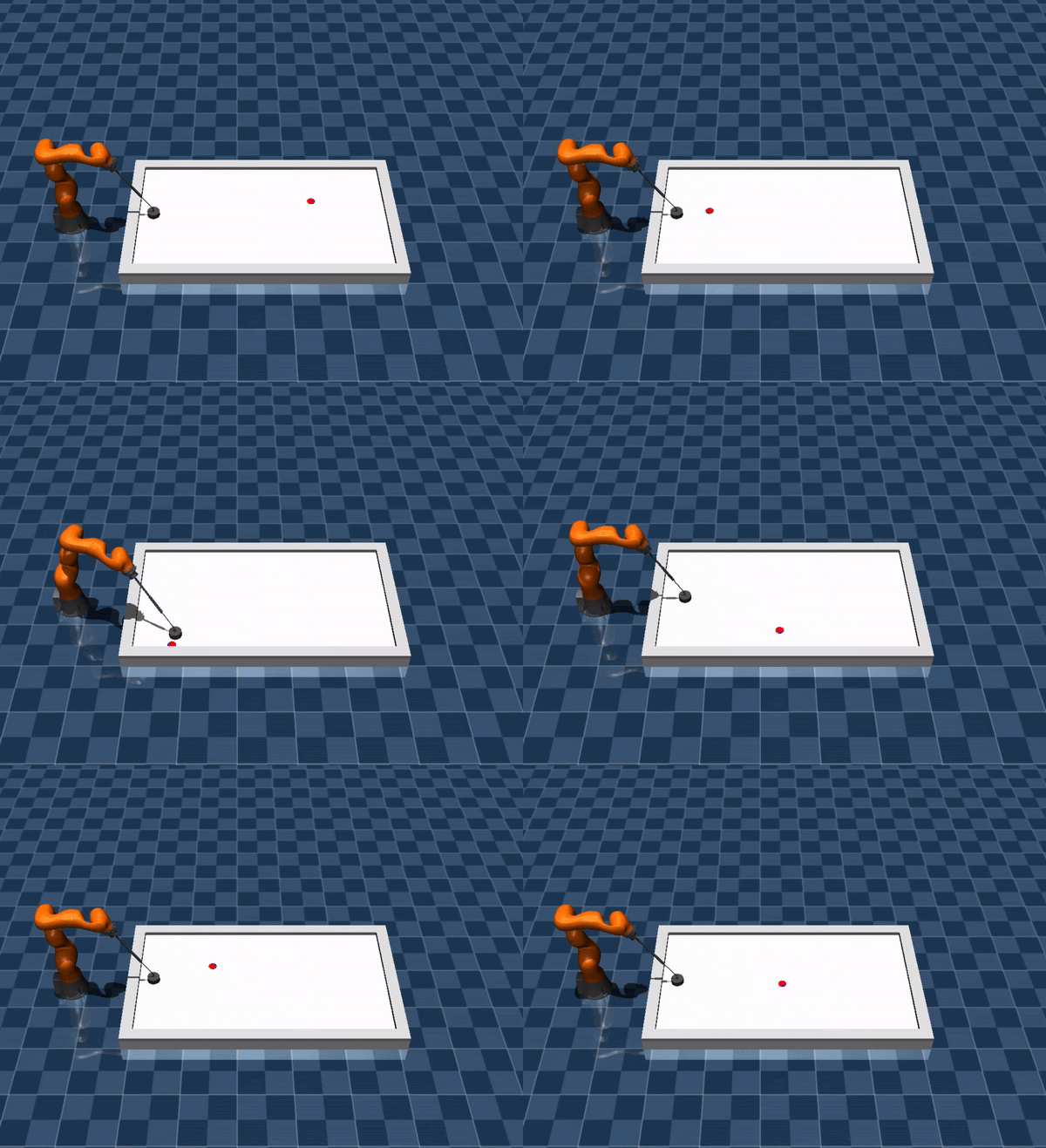
Initialization Range:
\(x\) |
[1.80, 2.16] |
\(y\) |
[-0.4, 0.4] |
linear speed (m/s) |
[1, 5] |
angular speed (rad/s) |
[-10, 10] |
Termination Criterion: The puck is returned to the opponent’s side or scored or the puck speed drops below the threshold.
Success Criterion: The puck is in the range where hits can be made and the longitudinal speed is below the threshold.
Prepare: prepare
The puck is initialized close to the table’s boundary and is unsuitable for hitting. The task is to control the puck to move it into a good hit position. The puck is not allowed to cross the middle line.
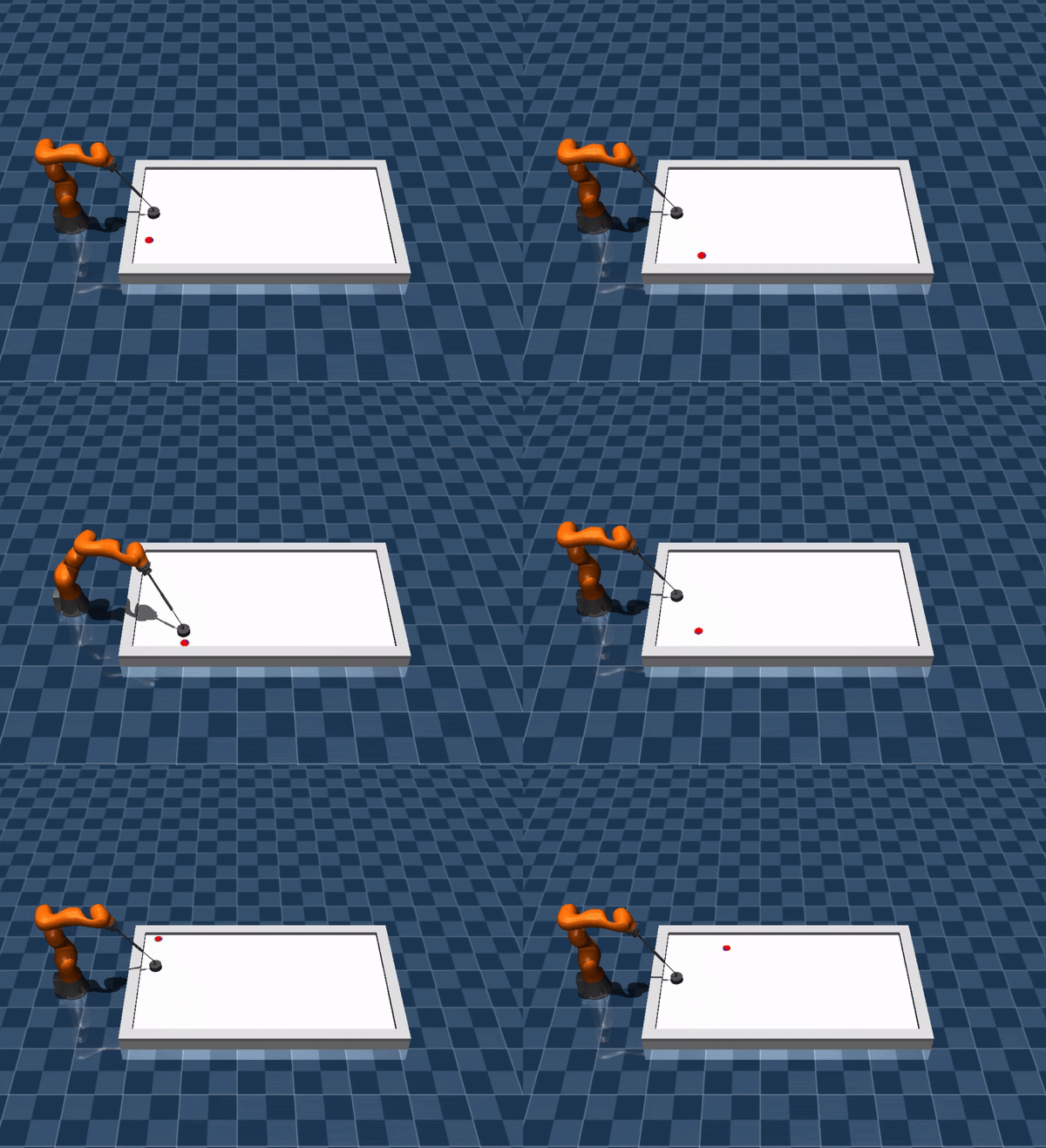
Initialization Range:
position |
[[0.71, 1.31], +/-[0.41105, 0.47535]] or |
[[0.57, 0.71], +/-[0.125, 0.47535]] |
|
linear speed (m/s) |
0.0 |
angular speed (rad/s) |
0.0 |
Termination Criterion: Puck crosses the middle line that connects the middle points of two goals, or the puck is on the opponent’s side of the table.
Success Criterion: The puck is in the range where hits can be made and the longitudinal speed is below the threshold.
Action Interface
In this phase, we provide a flexible interface for commanding the robot. You can specify the trajectory
interpolation_order order in the agent_config.yml. Here is the list of the interpolation:
3: Cubic interpolation. The action command contains the desired [position, velocity]. A cubic polynomial is
used to interpolate the intermediate steps. The shape of the command should be [2, N_joints].
1: Linear interpolation. The action command contains the desired [position]. A linear polynomial is
used to interpolate the intermediate steps. The shape of the command should be [N_joints]. Note that the acceleration
is will be zero, the acceleration feedforward will also be zero.
2: Quadratic interpolation. The action command contains the desired [position]. A quadratic function uses the
previous position, velocity and the desired position to interpolate the intermediate steps. The shape of the command
should be [N_joints].
4: Quartic interpolation. The action command contains the desired [position, velocity]. A quartic function uses the
previous position, velocity and the desired position, velocity to interpolate the intermediate steps. The shape of
the command should be [2, N_joints].
5: Quintic interpolation. The action command contains the desired [position, velocity, acceleration]. A quintic
function is computed by the previous position, velocity, acceleration and the desired position, velocity and acceleration
to interpolate the intermediate steps. The shape of the command should be [3, N_joints].
-1: Linear interpolation in position and velocity. The action command contains the desired [position, velocity].
The position and velocity will both be linearly interpolated. The acceleration is computed based on the derivative of
the velocity. This interpolation is not proper, but it is useful to avoid oscillatory in the interpolation. The shape
of the command should be [2, N_joints].
None: You can send a complete trajectory between each action step. At each step, the trajectory command
should include desired [position, velocity, acceleration]. The shape of the command should be [20, 3, N_joints].
Evaluation
To evaluate your agent in the cloud server, please follow the Solution Submission instruction. The environments on the cloud server slightly differs to the public ones. It has additional challenges which occur in the real world. These challenges might be a model gap, error prone observations, etc.